
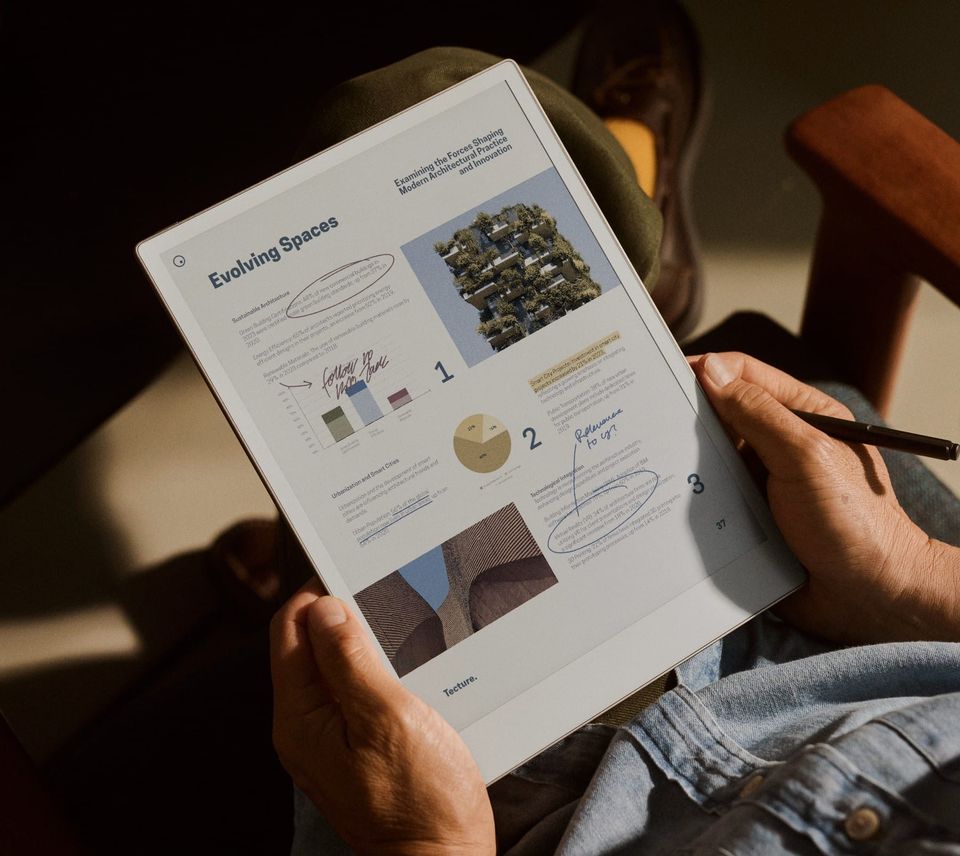
If you think more clearly with a pen but struggle to find, store or reuse what ends up in paper notebooks, reMarkable may be worth exploring. Its paper tablets provide a deliberately limited digital space for handwritten notes, sketches and document review, rather than trying to replace a laptop or general-purpose tablet.
Recommended by
What it can help with
It may be useful for meeting notes, workshop planning, strategic thinking, research and reviewing longer documents. You can keep notebooks and sketches together, annotate PDFs and EPUBs, convert handwriting into typed text and present your tablet on a larger screen. Google Drive, Dropbox and OneDrive access, handwriting conversion and limited cloud syncing are available without a Connect subscription.
Who it may suit
It may suit consultants, researchers, writers, facilitators and founders who prefer handwriting but want less paper to store and a clearer route into digital work. It is less suited to anyone needing conventional tablet apps, complex spreadsheets, extensive web browsing or one device to do everything.
Inspiration Space note: A reMarkable can be valuable not because it does everything, but because it does less. For work that needs space — reading a brief, thinking through a strategy, planning a workshop or listening properly in a meeting — a paper-like device can create a useful boundary between capturing an idea and being pulled back into email, messages and open tabs.
How it works
You write with a Marker stylus in digital notebooks or directly on supported documents. reMarkable supports PDFs and EPUBs and works with services including Google Drive, Dropbox and OneDrive. Connect adds unlimited cloud storage and sync, handwriting search, calendar-based Meeting Notes, Convert to Notebook, AI-assisted conversion and summaries, plus Slack and Miro integrations. Standard handwriting conversion targets handwritten content; existing typed text is not itself converted.
Cost and access
UK prices checked on 3 September 2026 start at £359 for Paper Pure, £399 for Paper Pro Move and £559 for Paper Pro, with a Marker included. Accessories and bundles increase the total. Connect currently offers a 50-day trial and is listed at US$3.99 monthly or US$39.90 annually; confirm current UK billing before subscribing.
What to check before committing
Compare the models for screen size, portability, colour and reading-light requirements: Paper Pure has no reading light, while the Pro models do. Check current UK bundle and accessory prices and decide which Connect features you would actually use. Review trial, renewal and cancellation terms, cloud and calendar integrations, export and backup arrangements, and data handling before uploading confidential material. Most importantly, decide whether it will realistically replace enough of your paper workflow to justify a separate device.
Next action
Compare the current models, features and prices on reMarkable’s official site before deciding which, if any, fits how you work.