
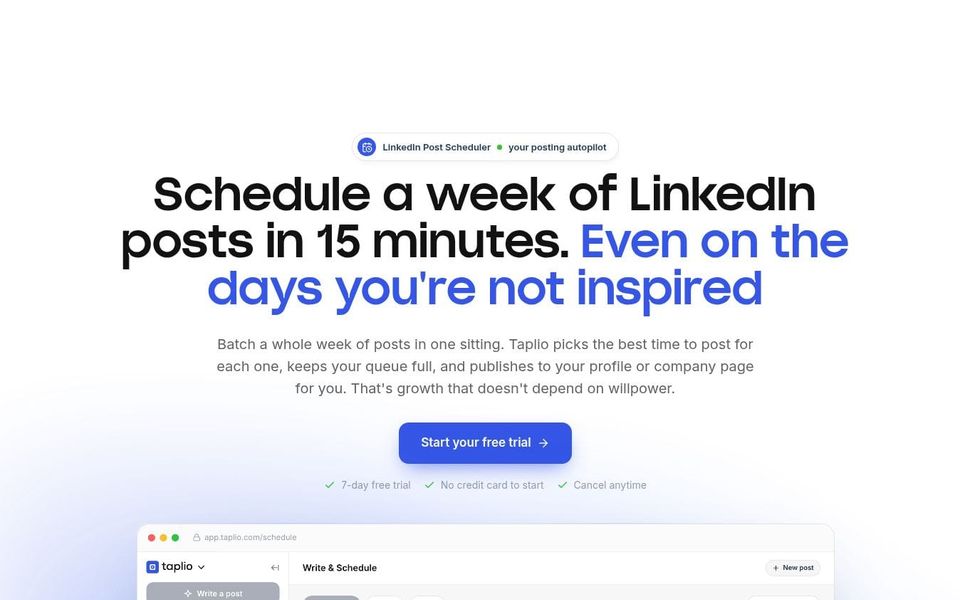
If LinkedIn is an important part of how you share ideas or stay visible but the work is scattered across drafts, reminders and spreadsheets, Taplio may be useful to investigate. It brings content ideas, writing assistance, scheduling, analytics and engagement information into one service.
What it can help with
Taplio may help you plan and schedule posts, review performance, find previous content and see which people have engaged with your work. It also includes AI-assisted drafting and rewriting, carousel creation and tools for organising people who have liked or commented.
Some plans include automated actions such as posting a scheduled comment beneath your own post or sending direct messages to people who engage. Those features introduce a separate platform-compliance decision and should not be treated as routine timesavers.
Inspiration Space note: The useful question is not how much LinkedIn activity can be automated. It is which parts benefit from organisation and which parts depend on your judgement and genuine attention. Scheduling a considered post may protect time; automating a conversation can change the nature of the relationship before it has begun.
Who it may suit
It may suit founders, consultants, marketers and creators who publish regularly on LinkedIn and want one place for planning, scheduling and reviewing results. The cost may be harder to justify if you post occasionally, already use another scheduler or do not have a clear reason for investing time in LinkedIn.
How it works
Connect a LinkedIn account, create or import content, prepare posts and place them on a publishing schedule. Analytics and engagement views help you review what happened after publication. Taplio also provides content inspiration, AI tools, a browser extension and audience or lead-management features; availability and limits vary by plan.
Taplio offers a seven-day trial with access to its Pro features. Starting a trial requires choosing a plan, so check the conversion date, billing amount and cancellation process before connecting an account.
Cost and access
Taplio’s current pricing page advertises plans from US$39 a month, with Starter, Growth and Pro tiers. The seven-day trial can be cancelled before payment; Taplio says refund requests can be made within 30 days after a trial converts. Check the live monthly and annual prices, feature limits, taxes and currency before subscribing.
What to check before committing
Review the exact features included in the plan rather than assuming all automation, analytics or audience tools are available at the starting price. Check how account credentials and LinkedIn data are accessed, stored and deleted, and what can be exported if you leave.
Most importantly, compare any automated activity with LinkedIn’s current User Agreement. LinkedIn says it does not permit third-party tools that automate messages, comments, likes, shares or other website activity and that automated inauthentic activity can lead to temporary or permanent account restrictions. Taplio describes its approach as safe, but that provider statement does not override LinkedIn’s terms. Consider limiting use to functions you have confirmed are permitted, such as approved scheduling routes, and keep human review over every message and post.
AI-generated copy also needs checking for factual accuracy, tone, repetition and unsubstantiated claims. A publishing system can support consistency, but it cannot decide whether LinkedIn is the right channel or whether the content gives the intended audience a reason to care.
Next action
Compare the current plans, identify the two or three features you would genuinely use and check each one against LinkedIn’s current rules before starting a trial.